
Digital Insights / Business AI guide
Why Businesses Struggle to Put AI Into Everyday Work
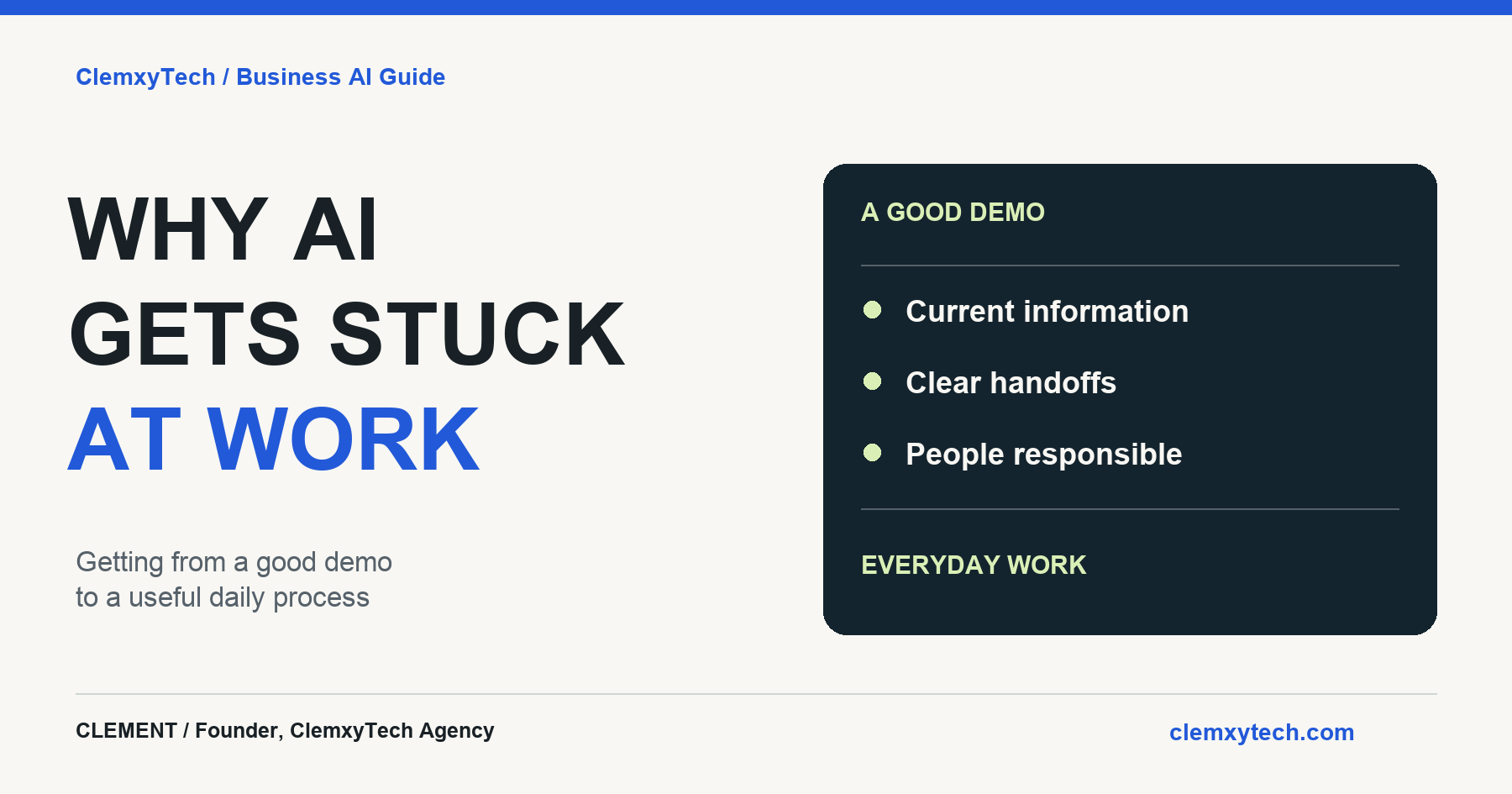
The demonstration goes well. A customer message goes in, a sensible reply comes out, and everyone can see how this could save time. A few weeks later, the team is still working the old way.
If that sounds familiar, it is worth looking at what happened after the demo. Where did the draft go? Who checked it? Which information did it use? Did anyone have time to learn the new process while keeping up with the existing workload?
Putting AI into everyday business work involves those ordinary details. A tool can produce a useful answer and still be difficult to use in the middle of a busy day. Understanding the gap helps you decide what to fix before buying more software.
The team has different ideas about the problem
Imagine a small agency introducing AI to help prepare project proposals. The owner wants proposals to go out sooner. The account manager wants fewer missing details in client briefs. The developer has been asked to generate proposal text. Each person can be satisfied with a different result.
The tool produces a document quickly, but the account manager still has to chase the client for scope and check availability with the delivery team. The proposal waits in the same queue as before. The writing improved while the delay remained.
There is research behind this concern. For a 2024 report on why AI projects fail, RAND interviewed 65 experienced data scientists and engineers. Interviewees identified misunderstood business problems, unsuitable data, and inadequate infrastructure among the causes of failure. The study concerned AI and machine-learning development projects; it excluded projects that simply used pretrained language models. Its findings provide useful context, rather than a failure rate for everyday chatbot use.
For our hypothetical agency, a better brief would identify where proposals wait, what information is needed to move them forward, and who can supply it. That gives the people building the system and the people using it the same problem to solve.
The knowledge lives in too many places
A staff member can sometimes make sense of a business through experience. They know which service document is current, which customer has a special arrangement, and when to ask the owner before quoting. Much of that knowledge may never have been written down.
An AI tool needs a dependable way to get the relevant information. If it receives an old brochure and a current price sheet with conflicting details, someone has to decide which source takes priority. Asking for a more confident answer will leave the underlying disagreement unresolved.
Start by putting the information for the chosen task in order. In the proposal example, that could mean an approved service description, current scope boundaries, and a clear place to check delivery availability. Give someone responsibility for keeping those sources current.
Suppose the agency changes a service package next month. The updated information needs to reach the AI-assisted process as well as the sales team. Otherwise, a system that worked during the trial can begin preparing outdated recommendations. Maintaining the information is part of operating the tool.
A useful answer still has to reach the next person
Now imagine the proposal draft is accurate, but it appears in a separate chat window. The account manager copies it into a document, finds the customer record, adds notes, and messages a colleague for approval. On a busy afternoon, they may decide it is easier to use the existing template.
Those handoffs deserve as much attention as the generated text. Where should the draft be saved? How will the reviewer know it is ready? Where will their corrections go? Can another colleague pick up the task without searching through someone else’s chat history?
A straightforward automation may handle some of this: save a draft in the agreed place, attach it to the right record, and notify the reviewer. More flexible work may call for an AI agent with carefully limited access to tools. Anthropic’s guidance on effective agents recommends increasing complexity only when the task needs it, since agentic approaches can involve additional cost and delay.
Before adding another capability, follow a piece of work from its arrival to its completion. If the new process creates extra copying, duplicate records, or an invisible approval queue, deal with those points. They are part of the user’s experience of the system.
Staff are expected to learn while keeping everything running
Giving someone access to a tool leaves a lot for them to figure out. They may be unsure which company information they can use, how much checking is expected, or whether they will be blamed for correcting a poor suggestion. Trying it can feel like another task added to an already full day.
Make time to work through examples from the job, using material that is appropriate for the tool. Show a useful result and a result that should be rejected. Let the person doing the work explain why a draft would be awkward to use or which detail a customer is likely to challenge.
Be clear about what you want staff to report. A mistake caught before a reply is sent tells you something valuable about the process. If the only question is whether people are using the tool enough, they may feel pressure to accept output that needs more attention.
A short conversation about a real task can reveal more than a generic prompting session. Perhaps the employee needs a source link beside each recommendation. Perhaps the approval step is unclear. Perhaps a particular type of work should stay with a person. Give that feedback a route to someone who can act on it.
Nobody has been given the ongoing job
After launch, there are still decisions to make. Someone needs to respond when a connection stops working, a service changes, or the tool produces an answer the team cannot explain. If everyone assumes that belongs to someone else, small problems can sit unresolved.
Name a person responsible for the business process and make sure they know who provides technical support. Agree who can change the instructions, approve access, and pause the system. In a small company, one person may hold several of those responsibilities. They still need time to carry them out.
The NIST AI Risk Management Framework places trustworthiness within the design, development, use, and evaluation of AI systems. That is a useful way to think about the work after launch too. Review what the system is doing, who it affects, and whether its boundaries still fit the task.
Return to the original business problem when judging progress. For the agency, did a complete, checked proposal reach the client sooner? Did the team have fewer unresolved questions? Include the time spent reviewing and fixing the output. Frequent use alone does not tell you whether the work has improved.
Work through the part that is getting stuck
If your business has already tried AI, take one stalled task and look closely at where people stopped using it. You may need clearer information, a better connection between tools, a named reviewer, or a simpler process. The answer will depend on what actually happens in your team.
If you are still deciding where to begin, our article on where a small business should start with AI offers a practical way into that first conversation.
At ClemxyTech, I bring website development, automation, and AI work together around business processes. You can meet Clement and see my projects and experience to get a clearer picture of the person behind the agency.
Have you invested in an AI tool that your team barely uses, or a workflow that still needs too much chasing? Book a free initial consultation. Tell us what you tried, which software is involved, and where the work slows down. We can discuss what would make the process more useful in day-to-day work.
We respond to consultation enquiries within two business days.